 Qonto
QontoBelegify for Qonto
A photo or a voice note is enough. Belegify reads amount, date and merchant, captures the business purpose and the guests, and turns all of it into a complete, audit-proof receipt. The finished document lands in your Qonto account, matched to the right transaction.
15 receipts per month for free. No credit card, cancel any time.
The proof
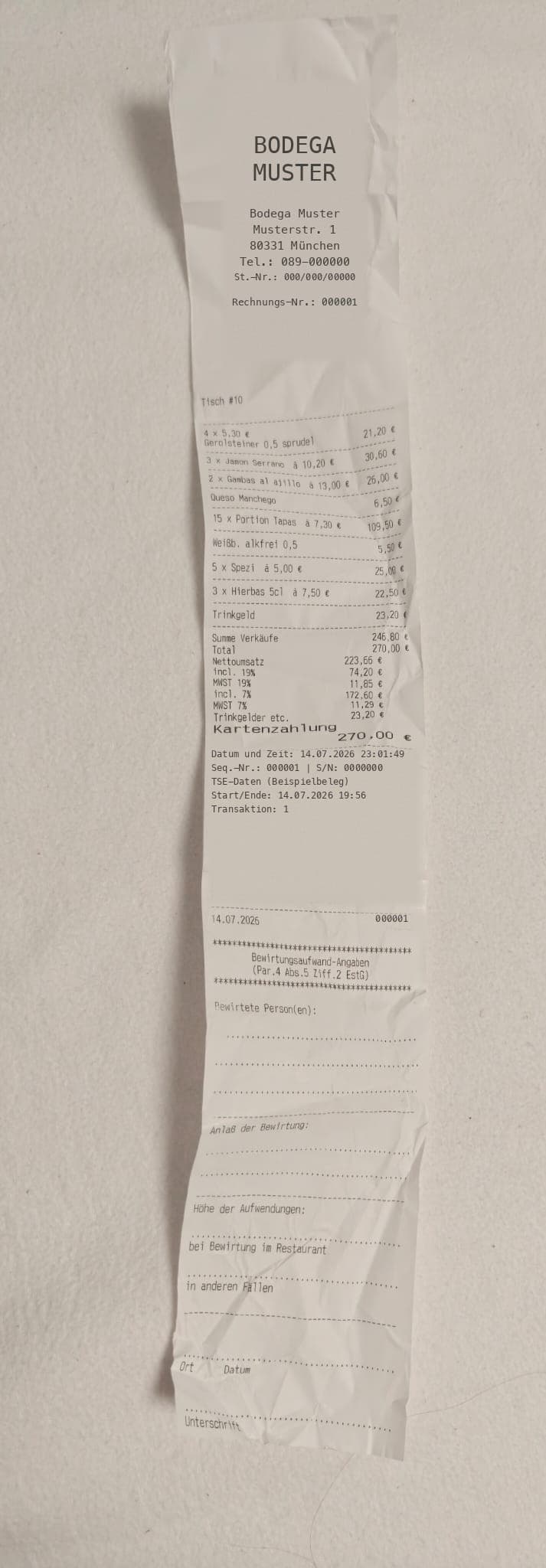
A crumpled restaurant receipt, photographed in three seconds. What comes out is a complete business-meal receipt with everything the German tax office expects to see. Nothing was typed for it.
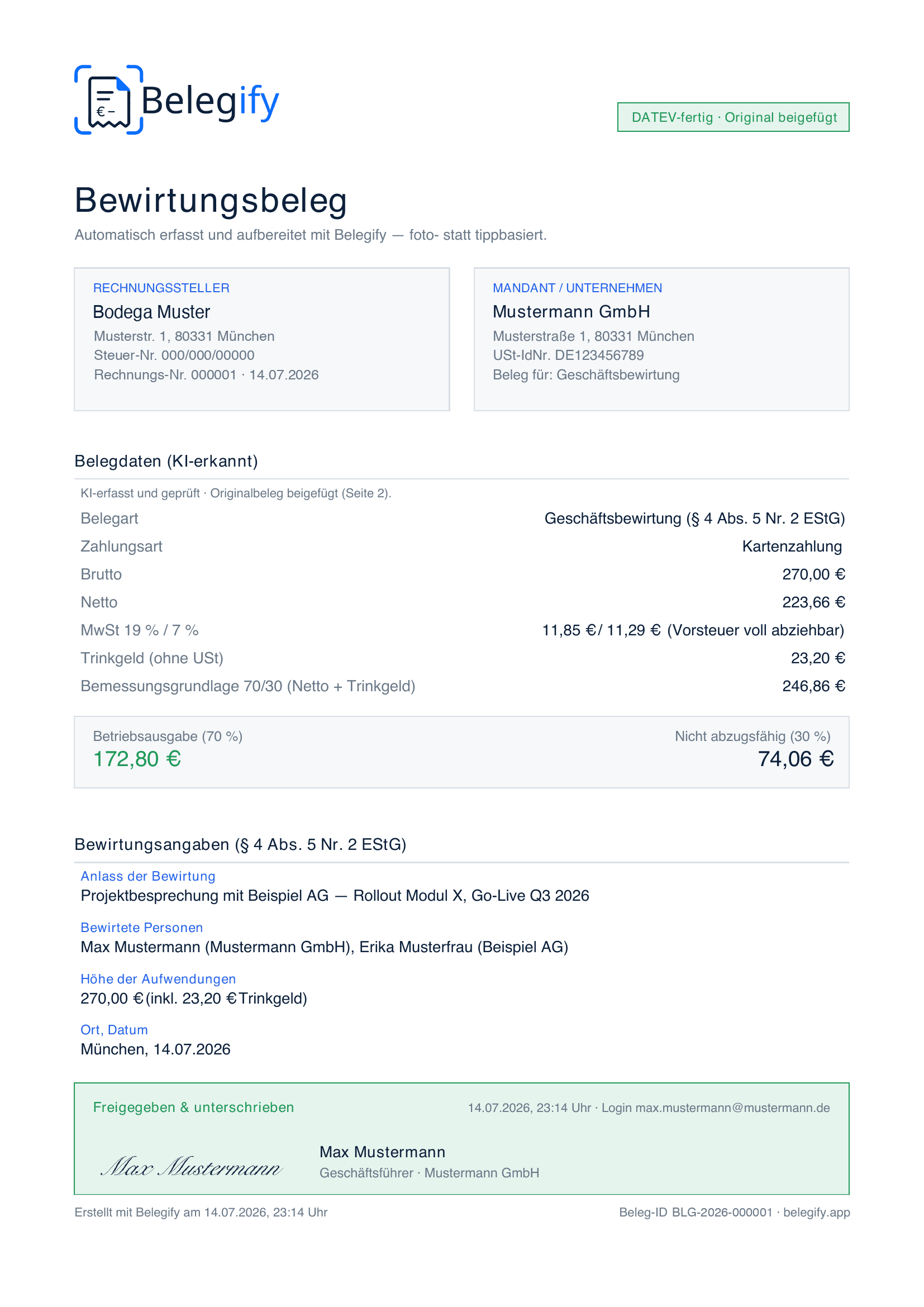
Belegify does not do your bookkeeping, it delivers the clean receipt.
Delivery runs through the receipt address Qonto provides for exactly this purpose. No OAuth, no API key, no access to your account, and it works from the very first receipt.
Every Qonto account comes with its own address for forwarding receipts. It looks roughly like this:
receipts-…@inbox.qonto.comIn Belegify, open Settings, add a new destination, pick the Qonto inbox type, paste the address and save. That is the entire setup.
Send receipts through the app, the Telegram bot or by forwarding an email. About 15 seconds later the finished receipt sits in Qonto, matched to the transaction.
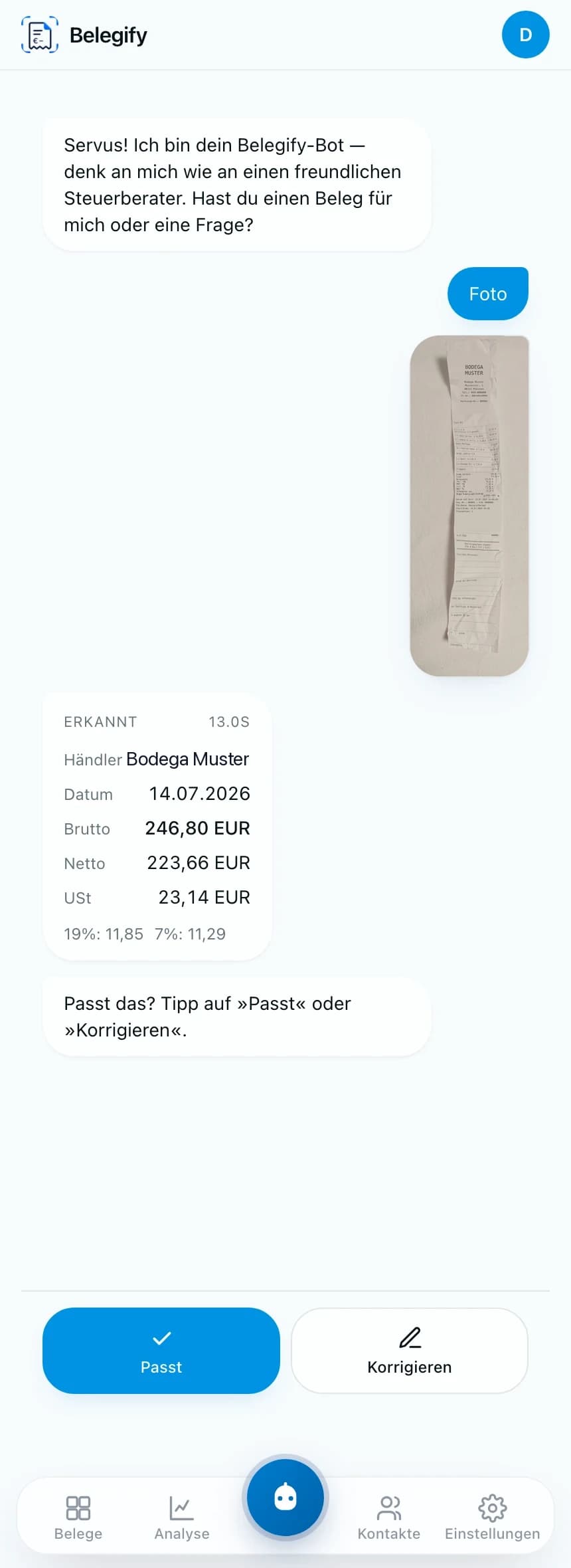
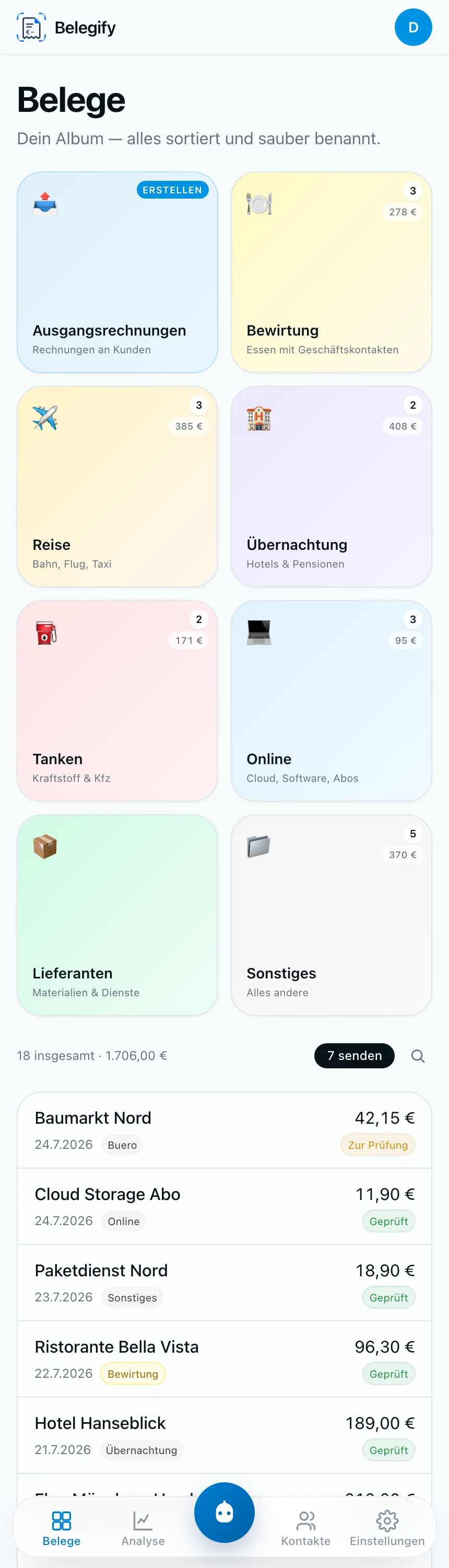
Amount, date, merchant and VAT rates are extracted automatically. You take a photo or speak, the rest is already in the receipt. Up to 95 percent less typing per receipt.
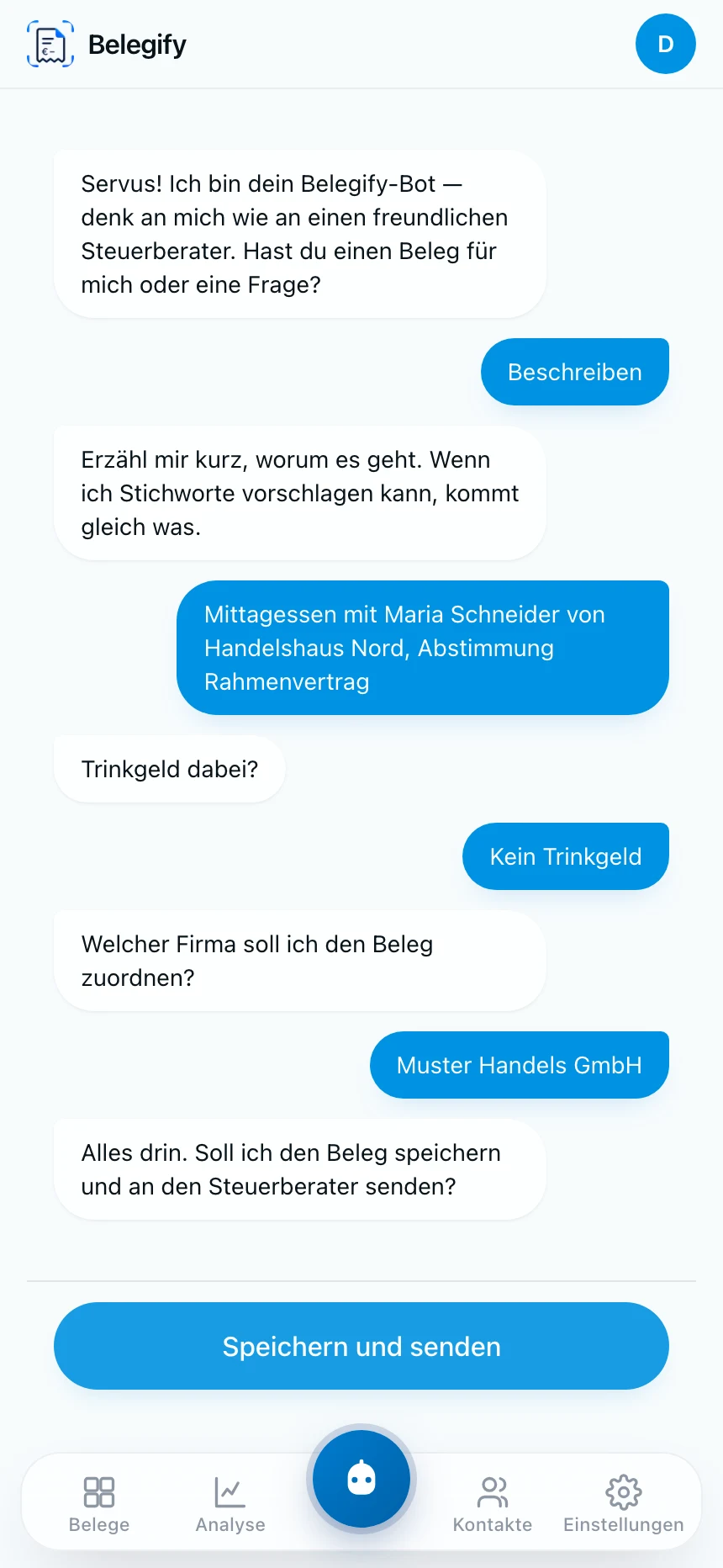
Record the business purpose as a voice note and pick the guests of a business meal with a single tap. Exactly the details a receipt usually fails on.
Every receipt gets a SHA-256 hash and a full audit trail and is stored immutably, meeting the German GoBD requirements for proper bookkeeping.
Belegify never connects to your Qonto account, never reads transactions and never asks for banking credentials. The finished receipt simply arrives at the address Qonto provides for exactly this purpose.
The same receipt can go to Qonto and to DATEV, Lexware or straight to your accountant. You decide per destination what goes where.
App, Telegram bot or plain email forwarding. Nobody needs training, they just send a photo.
All receipts are stored on servers in Frankfurt, processed in line with GDPR, with no detour through third countries.
No. There is no API or login access and Belegify sees neither your balance nor your transactions. Belegify sends the finished receipt to the receipt email address of your Qonto account, nothing more.
Qonto provides a dedicated address per account, following the pattern receipts-…@inbox.qonto.com. You will find it in your Qonto account in the settings around receipts and transactions.
Because it works right away. The receipt address is the channel Qonto itself provides for incoming receipts, so there is no approval to wait for and no technical integration to build first. A deeper integration is not ruled out, and it would not change anything about how you work.
Yes. Qonto reconciles incoming receipts with your transactions. Belegify delivers a properly structured receipt with amount, date and merchant instead of a blurry phone photo.
Yes. In Belegify you can add several destinations, for example your Qonto inbox plus the DATEV receipt mailbox of your tax firm. Every receipt is then delivered to both.
Yes. Team members capture receipts through the app or Telegram and everything flows into one shared pool. As an admin you see what is still open.
You can start for free with 15 receipts per month, no credit card required. Paid plans start at 9.99 € per month for 200 receipts, or 7.99 € per month on an annual plan.
Create an account, add your Qonto address, photograph your first receipt. You will know within a minute whether Belegify fits the way you do your bookkeeping.
Start for free15 receipts per month for free. No credit card, cancel any time.
